
An employee who can’t access their Advango account almost always does the same thing: clicks “forgot password.” In most cases, the password isn’t the problem.
There are at least four distinct reasons why you might be unable to log in to the advanGO CSE platform, and each requires a different solution. This guide provides a structured troubleshooting process to identify the real cause of the issue and access your employee account without wasting time.
Advango login troubleshooting: four causes, four solutions
Before contacting anyone, you need to identify the type of issue. The table below outlines the four most common situations employees encounter on the advanGO platform.
| What you see | Likely cause | What to do |
|---|---|---|
| “Unknown username” message when logging in | Account hasn’t been created in the CSE’s beneficiary database | Contact your CSE representatives to check whether you’re registered in the database |
| The link received by email displays an error or an expired page | Activation link has expired | Ask the CSE to resend an invitation from the administration interface |
| You can log in, but no benefits are visible, or you see another committee’s page | Incorrect CSE address (each committee has its own URL) | Find the correct link in your original activation email or ask the CSE directly |
| Login page is inaccessible or takes forever to load | Technical outage or maintenance | Try again in a few minutes, then contact Advango support if the problem persists |
Distinguishing between these four cases is key. Resetting your password won’t solve anything if your account doesn’t exist in the beneficiary database. Likewise, searching for a generic web address such as “advango.fr” won’t work if your CSE has a custom URL.
For a more detailed walkthrough, see this guide on how to log in to your Advango employee account step by step, including the initial activation process.

Activating your advanGO employee account: common issues on first access
Most access issues occur during initial activation. The process relies on an invitation email sent by the CSE administrator. This email contains a unique link associated with the committee’s own web address.
Pay particular attention to these three points during activation.
- The activation link is only valid for a limited time. If several days have passed between receiving the email and clicking the link, it may no longer work. Contact the CSE administrator, who can generate a new link from the management interface.
- When using the advanGO mobile app, you may be asked for a CSE code the first time you open it. You’ll find this code in the invitation email or in the committee’s internal communications. Without it, the app can’t link you to the correct CSE.
- The email address used to register must exactly match the one on file with the CSE. Using a personal address instead of your work address—or vice versa—will cause the registration to be rejected without an explicit error message.
When a group of employees is hired at once, CSE administrators sometimes create accounts in batches. In this situation, it’s normal for account activation to take a few days after you start work.
Advango employee account: who to contact for each issue
Not every issue can be resolved by the same team. Contacting Advango technical support about an account that hasn’t been created wastes time, since account creation is handled by the CSE. Conversely, reporting a server outage to the committee representatives won’t get you anywhere.
Issues handled by the CSE
The CSE administrator manages the beneficiary database: adding new employees, resending activation links, checking registered email addresses, and assigning access to subsidies and ticketing. If the issue concerns whether your account exists or whether you can access your benefits, this is the first person to contact.
Issues handled by Advango support
Technical support handles problems with the website and mobile app, such as inaccessible pages, display errors, and payment bugs in the online ticketing service. Support can’t access each CSE’s beneficiary database, which is why it can’t resolve issues with accounts that don’t exist.
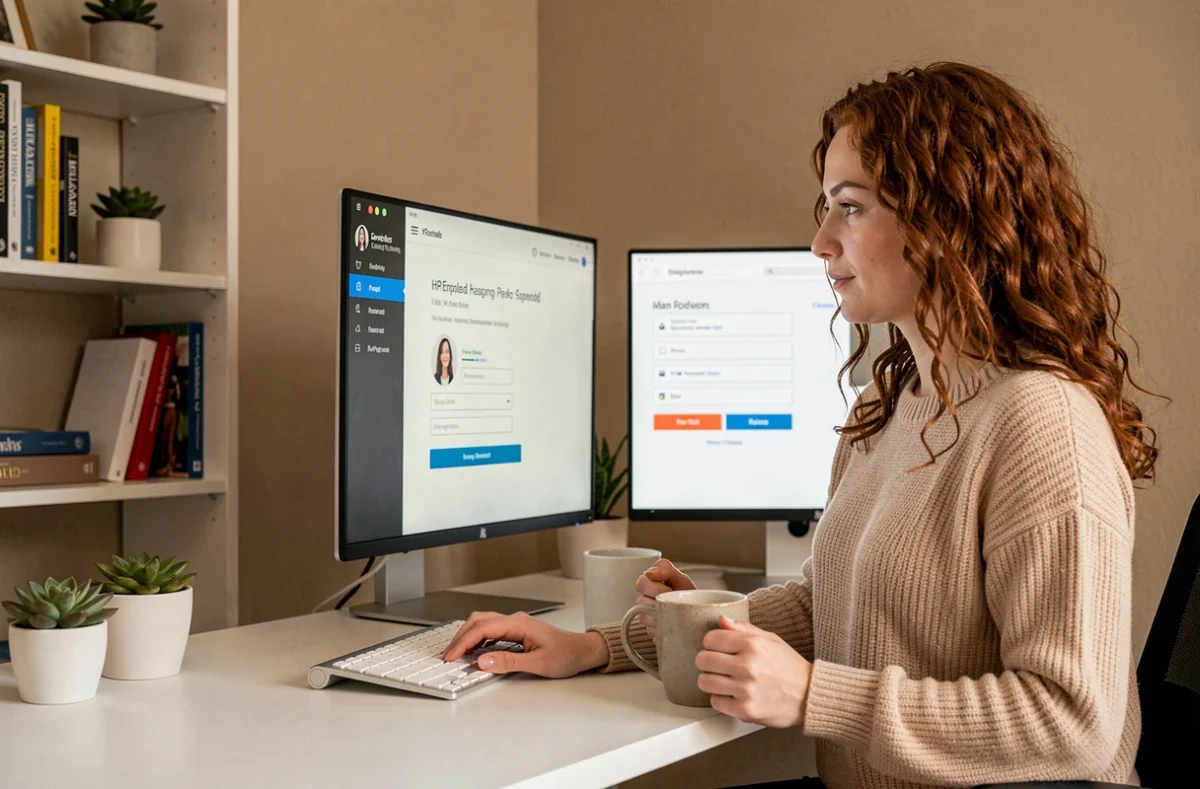
Advango account security: what to do if you notice suspicious activity
The advanGO platform provides access to personal data and financial benefits, such as gift cards, vouchers, and subsidies. Unauthorized access can have real consequences.
If you notice unusual activity on your account, such as an order you don’t recognize or personal information you didn’t change, change your password immediately. Then alert your CSE administrator so they can review the account activity in the management interface.
A few simple habits can help reduce the risk:
- Use a password that’s different from the ones you use for other online services
- Don’t share your login details with a colleague, even for a group order through the CSE ticketing service
- Regularly check your order and subsidy history in your employee account
If your Advango account is compromised, take two steps: secure it yourself, then have the CSE administrator audit it. Advango technical support can also help if a platform vulnerability is suspected.
Access to advanGO follows a standard process, but the potential sticking points vary depending on how each CSE is set up. Finding the right link, checking that you’re registered in the beneficiary database, and contacting the right person will resolve most access issues—without needing to reset anything.